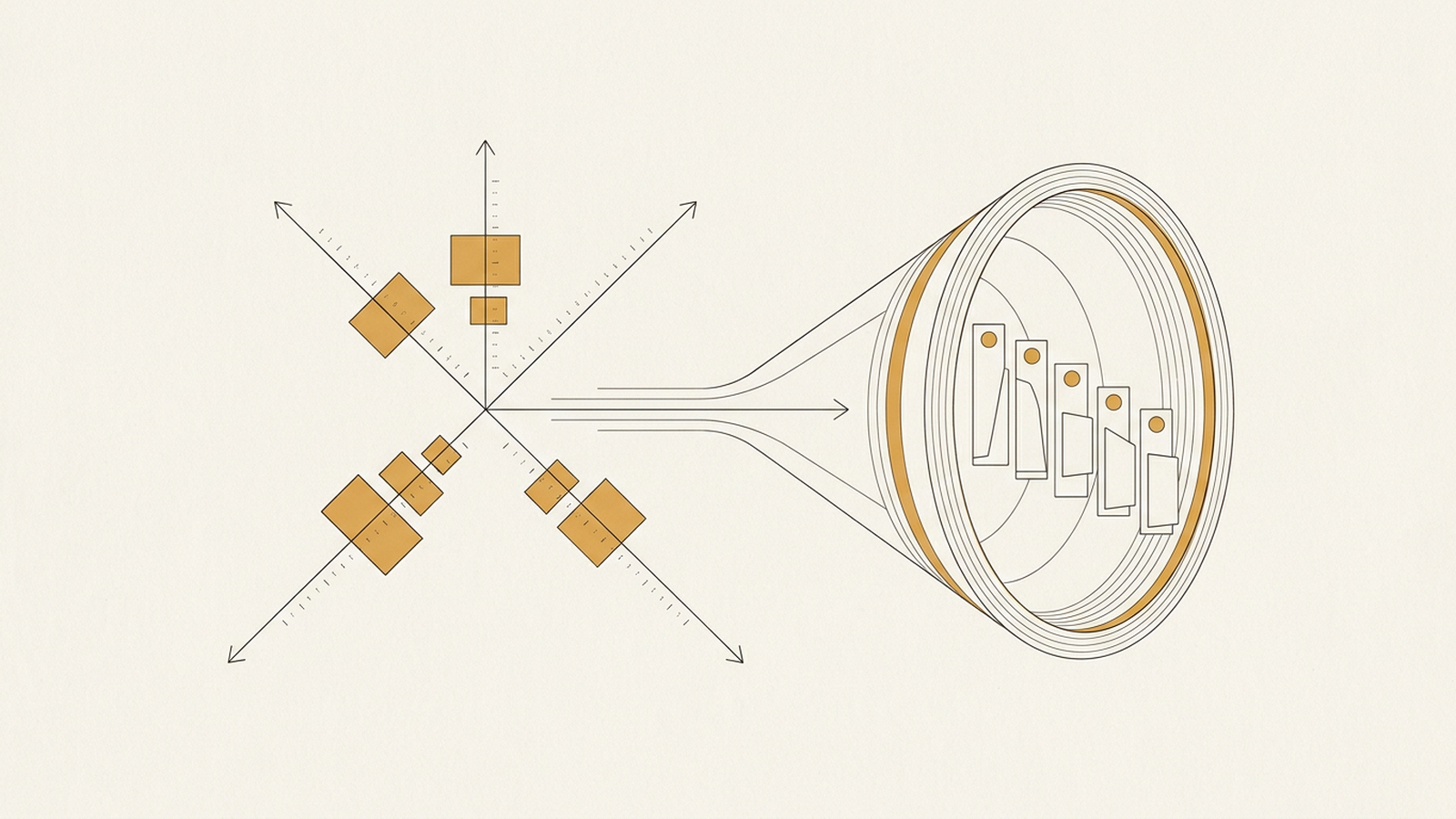
The task everyone wants automated first is the one someone complained about in the last meeting. That is a terrible way to prioritize. Complaints are a function of who is loudest and what happened most recently, not of what actually costs the business time or money. The right first target is found with a simple score: frequency times cost times stability. Everything else is noise dressed up as urgency.
Why the loudest complaint is usually the wrong signal
The loudest complaint tells you about a person’s tolerance, not about the size of the problem. A task done once a month by someone who hates it generates more noise than a task done fifty times a day by someone who has stopped noticing it. The fifty-times-a-day task is almost always the better automation candidate, because it compounds. Ten minutes saved on something done once barely registers. Ten minutes saved fifty times a day is over four hours of recovered time, every single day, and nobody was complaining about it because it had become invisible.
The formula: frequency times cost times stability
Score every candidate task on three independent factors and multiply them, because a task that is weak on any one factor is a poor investment regardless of how strong it looks on the other two. Frequency is how often the task runs. Cost is what each run actually consumes — time, error rate, escalations, or money. Stability is how likely the process is to still look the same in six months. Multiply, don’t average, because averaging lets a single strong factor mask a fatal weakness in another.
Frequency: the multiplier that makes small savings matter
A task’s frequency turns a trivial saving into a real one, or a large saving into a rounding error. Automating something done twice a year, no matter how painful, rarely justifies the build and maintenance cost. Automating something done a hundred times a week justifies a surprising amount of upfront awkwardness, because the payoff period is measured in weeks, not years. When you audit candidate tasks, count actual runs over a real period — a spreadsheet of logged occurrences, not a guess from memory. Memory over-weights recent and dramatic events and under-weights the dull, constant ones.
Cost: measure the real unit, not the felt pain
Cost is what each occurrence actually consumes, and it is almost never just the minutes someone spends doing it. Include the cost of errors downstream, the cost of a customer waiting, and the cost of a second person having to check the work. A five-minute task that produces a mistake once in twenty runs, and that mistake takes an hour to unwind, has a real cost far higher than five minutes. This is where a lot of automation projects go wrong from the start: they price the visible manual labor and ignore the invisible cleanup labor that automation would also remove.
Stability: the factor most people skip, and shouldn’t
Stability is whether the process you’re about to automate will still exist in its current shape by the time you finish building it, and it is the factor that kills more automation projects than bad code does. A task that changes shape every few weeks — new fields, new exceptions, a new person doing it a slightly different way — will punish you with constant rework long after the “automation” was supposed to be finished. High frequency and high cost mean nothing if stability is low, because you’ll spend more hours maintaining the automation than the manual process ever cost you. Before building anything, ask whether the process has looked the same for at least a few months, and whether anyone has a credible reason to change it soon.
How to actually run this audit
Run it as a short list, not a spreadsheet project that never finishes. List every recurring task you can name in fifteen minutes, score each one roughly on the three factors — a rough five-point scale is fine, precision here is a waste of time — multiply, and sort. The top two or three items are your queue. Everything below that line is a distraction dressed up as a good idea, at least for now. If you want a structured version of this triage instead of building it from scratch, the workflows library has templates set up specifically for scoring and sequencing automation candidates before any code gets written.
What not to automate, even if it scores well
Skip anything where the “stable” process is stable only because nobody has questioned it yet. A task that looks consistent because it has never been examined is not the same as a task that is actually stable, and automating a bad process just makes the bad process faster and harder to change later. This is the mistake I see most often in client audits — teams automate the workaround instead of fixing the reason the workaround existed. If you’re not sure which category a task falls into, it is worth an outside pass before committing engineering time; that kind of review is most of what services engagements at this stage actually consist of. Get the target right first. The automation itself is the easy part.